How managed print services reduce office waste
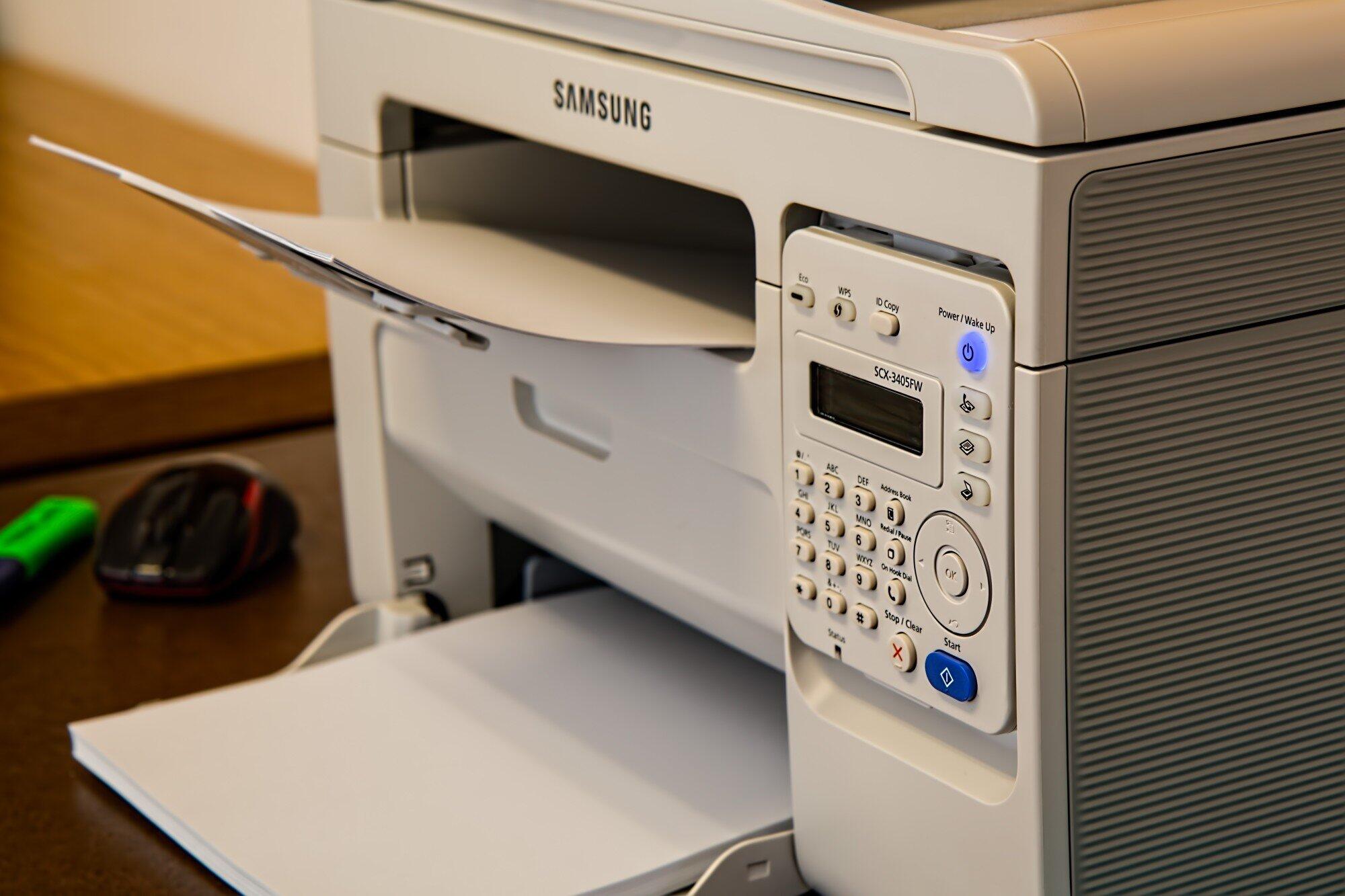
Managed print services reduce office waste by streamlining printing habits, enforcing smarter defaults, and replacing paper-heavy workflows with digital solutions. Offices that adopt MPS see measurable cuts in paper consumption, energy use, and unnecessary print costs.
According to Columbia University, the average office worker prints close to 10,000 pages annually, and a significant portion of those pages go straight to the recycling bin. That quiet drain costs businesses real money. Most offices have no visibility into who is printing what or why, which means waste compounds unchecked, month after month.
Knowing where the problem starts is the first step toward fixing it, and that is exactly what this article covers.
What Are Managed Print Services?
Print management solutions cover a range of services that help businesses control how, when, and how much they print. Many providers are typically leasing and supply focused, handling device leasing, toner, and maintenance under one contract. That kind of bundled service gives businesses a clearer picture of their print costs and makes it easier to cut back where needed.
How Do Managed Print Services Cut Down on Paper Waste?
Office waste reduction starts with simple defaults that most businesses overlook. Print management systems set printers to double-sided and black-and-white modes automatically, which cuts paper use significantly. Secure print release means jobs only print when a user confirms them at the machine, so forgotten documents never pile up in the tray.
Printing efficiency improves when businesses stop printing documents that no one ever collects.
Some additional ways these settings reduce waste include:
- Automatic black-and-white defaults reduce color ink and toner use
- Double-sided printing cuts paper consumption by up to 50%
- Secure release prevents uncollected print jobs from wasting paper and toner
- Time-based printing restrictions stop after-hours printing
Usage Tracking and Smarter Print Policies
Cost-effective print management depends on knowing where resources actually go. Centralized monitoring tools track print activity across every device, so managers can spot departments or printers that use far more paper than needed.
That data helps businesses set targeted limits, like capping the number of copies per user or requiring digital sign-off for routine documents like invoices.
Can Optimizing Workflows Further Reduce Office Waste?
Eco-friendly printing services go beyond the printer itself. Many providers help businesses digitize paper-heavy processes, things like HR onboarding forms or client contracts, using cloud-based tools. Fewer machines actually mean lower energy use and less waste from maintenance supplies.
Here are some practical steps businesses can take to reduce print-related waste:
- Replace paper forms with digital versions using cloud document tools
- Consolidate multiple printers into fewer shared devices
- Switch to recycled paper and eco-certified toner cartridges
- Schedule regular print audits to catch new sources of waste
Ready to Cut Waste and Printing Costs for Good?
Managed print services give offices the tools to address waste at its source through smarter defaults, centralized usage data, and optimized workflows. From reducing paper consumption to cutting energy costs, the strategies covered in this article deliver real, measurable results. Small changes in how your office approaches printing can add up to significant savings over time.
Visit our website to explore practical guides, expert tips, and the latest resources on building a leaner, more efficient print environment for your organization.